
How Does Marketplace Payment Processing Work? A Quick Guide for UK Businesses
Learn how marketplace payment processing works for UK businesses. Our guide explains associated fees, how to optimise payouts, and more.



Ever had a customer's online payment fail at the final hurdle, just as they’re about to complete a purchase? That extra security check is called 3D Secure (3DS), and while it can sometimes interrupt the checkout flow, it plays an important role in reducing fraud and protecting transactions.
For UK businesses, failed payments and fraud risks can directly impact revenue and customer trust. Understanding how 3DS authentication works—and why it’s required under regulations like SCA—can help you improve payment success rates while staying compliant.
In this guide, we've explained what 3DS authentication is, how it works step by step, and why it matters for UK businesses. You’ll also learn how it can help reduce fraud, manage chargebacks, and support compliance with payment regulations.
We've also explained how Wise Business can support businesses managing domestic and international payments through its multi-currency account: Wise Business.

| Topic | Notes |
| Purpose of 3DS Authentication | A security protocol designed to add an extra layer of protection for online credit and debit card transactions. It helps to combat online fraud, reduce chargebacks, and support compliance.1,2 |
| How 3DS Verification Works | When a customer makes a purchase, the payment gateway requests authentication from the customer's bank. Low-risk transactions may be approved automatically, while higher-risk ones prompt the customer to verify their identity, such as via OTPs or biometrics.1,2 |
| Key Benefits for UK Businesses | Includes fraud prevention support, potential reduction in chargeback liability, increased consumer confidence in transactions, and support for compliance with regulations like Strong Customer Authentication (SCA).1,2,3 |
| 3DS1 vs. 3DS2 | 3DS2 improves the checkout experience by sharing more transaction data with issuers. This enables better risk analysis and allows many low-risk payments to proceed without customer interaction (“frictionless flow”).1,4 |
| Activating 3D Secure | Typically built-in and often enabled by default by modern payment service providers to meet SCA regulations. Merchants can usually manage authentication settings through their payment provider’s dashboard.1,4 |
| Handling 3DS Authentication Failures | Advise customers to double-check the information they entered, ensure their banking app is up to date, and contact their bank directly if issues persist, as failures often originate with the issuing bank.1,5 |
3D Secure, or 3DS, stands for 'Three-Domain Secure'1,2. It's a protocol designed to provide an additional layer of protection for online credit and debit card transactions.
The "three domains" are:
It works as an additional verification step to help confirm that the person using the card is the cardholder.
When a customer makes a purchase on your site, the 3DS process runs in the background. Your payment gateway sends a request to the customer's bank via the card network1,2, where the transaction risk is assessed.
Low-risk transactions may be approved without additional steps. If further verification is required, the customer is prompted to confirm their identity.
The primary aim of 3DS is to reduce online fraud. Adding a verification step can make it more difficult for unauthorised users to complete transactions using stolen card details, which may help reduce fraudulent activity.
3DS can support transaction security while also helping businesses manage fraud-related risks and customer trust.
3DS can help reduce card-not-present fraud by requiring additional verification. This may involve access to a device or banking app linked to the cardholder.
When a transaction is authenticated through 3DS, liability for certain types of fraudulent chargebacks may shift to the card issuer. However, this can depend on the specific scheme rules and circumstances.
Customers may feel more confident completing transactions when they see additional verification steps, as this indicates that safeguards are in place.
In the UK and Europe, Strong Customer Authentication (SCA) is required under PSD21,2. 3DS is one method commonly used to help meet these requirements.
The customer enters their card details at checkout.
The payment processor sends transaction details to the card network and requests authentication.
The issuing bank evaluates the transaction using available data1,2.
If required, the customer completes a verification step1,2, such as:
The result is sent back through the payment chain, and the transaction is either approved or declined.
Failures may occur due to incorrect inputs, outdated contact details, or temporary bank issues. These are typically resolved through the issuing bank.
Provide clear messaging about potential verification steps and offer guidance if payments fail, such as checking entered details or contacting their bank.
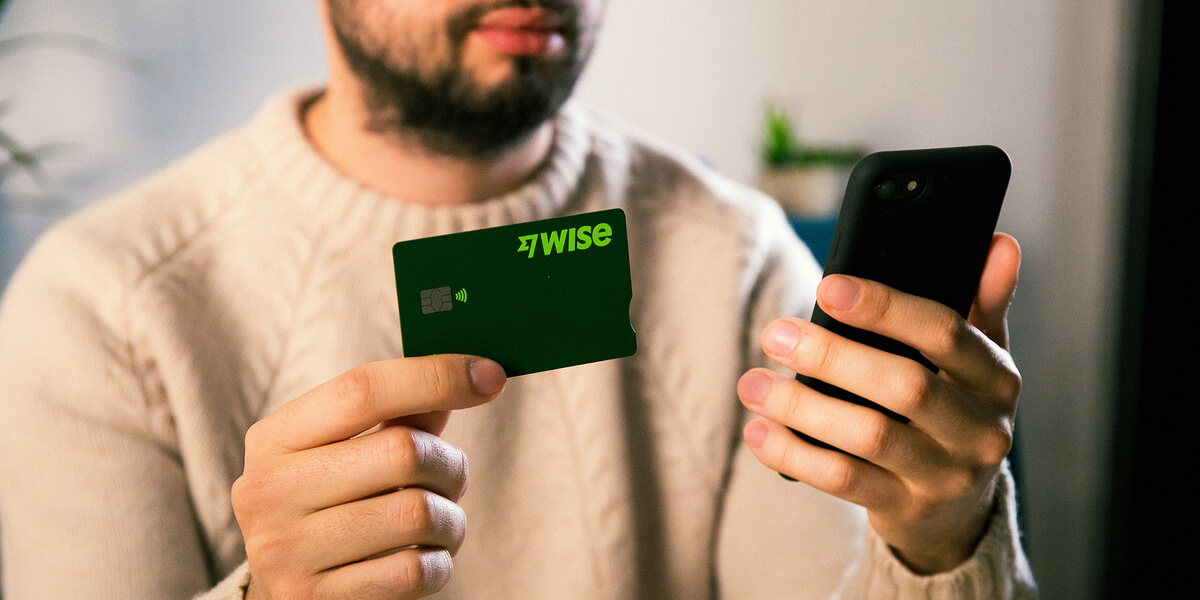
For businesses handling payments across borders, managing funds efficiently can be just as important as accepting them.
Wise Business offers a multi-currency account that can help you send, receive, and manage international payments.
With Wise Business, you can:
Make the wise choice when selecting a business account for all your domestic and global needs.
Be Smart, Get Wise.
*Disclaimer: The UK Wise Business pricing structure is changing with effect from 26/11/2025 date. Receiving money, direct debits and getting paid features are not available with the Essential Plan which you can open for free. Pay a one-time set up fee of £50 to unlock Advanced features including account details to receive payments in 22+ currencies or 8+ currencies for non-swift payments. You’ll also get access to our invoice generating tool, payment links, QR codes and the ability to set up direct debits all within one account. Please check our website for the latest pricing information.
3DS2 is a newer version that allows more data to be shared for risk assessment, enabling more transactions to be approved without additional steps1,2.
Some providers include 3DS in standard fees, while others may charge separately.
Sources:
Sources last checked on 30 March 2026
*Please see terms of use and product availability for your region or visit Wise fees and pricing for the most up to date pricing and fee information.
This publication is provided for general information purposes and does not constitute legal, tax or other professional advice from Wise Payments Limited or its subsidiaries and its affiliates, and it is not intended as a substitute for obtaining advice from a financial advisor or any other professional.
We make no representations, warranties or guarantees, whether expressed or implied, that the content in the publication is accurate, complete or up to date.

Learn how marketplace payment processing works for UK businesses. Our guide explains associated fees, how to optimise payouts, and more.

Learn how to improve your payment authorisation rate and reduce declined transactions. Our guide explains key factors and optimisation strategies to consider.

Learn how pre-authorisation payments work and how they affect business operations. Our guide explains holds, timings, managing customer expectations, and more.

Learn how multi-currency payment gateways work, how they benefit global businesses, and what factors to consider when choosing one in our guide.

Learn how to reduce chargebacks as an ecommerce business. Our guide offers practical steps covering the various aspects of chargeback prevention.

Learn about some of the best restaurant POS systems for UK businesses. Our guid explains features, fees, use cases, and more.

















































