
SIMPLIFY HOW YOU WORK WITH A WISE CONNECTION

Connecting Wise Business to FreeAgent is easy. Start saving time on admin when you sync your bank feed.

Freeagent + Wise

Sync Wise transactions with FreeAgent

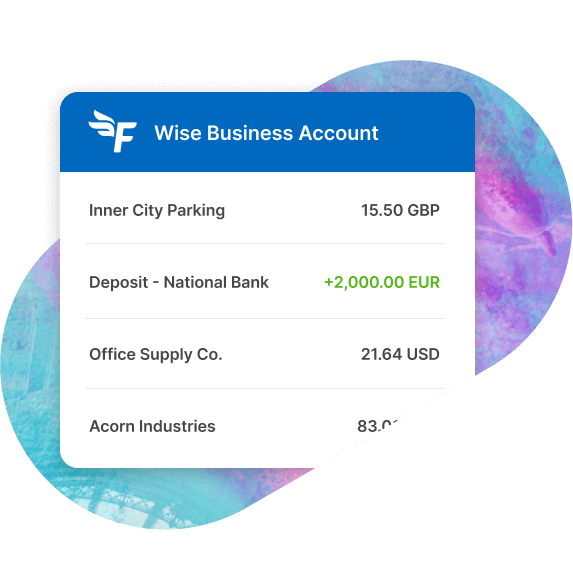
View all your Wise currency transactions synced up to your accounting software. Just select the Wise currencies you want to connect and they’ll be automatically fed in Freeagent as new entries. The connection uses Open Banking and requires your consent to securely share transaction data. Depending on your region, the connection may be facilitated by third-party providers.
How does it work?

Connect Wise from Freeagent

1

Log in to Freeagent and go to the Banking section. From there, add a new bank connection and search for Wise to begin connecting your account.

Connect your Wise currencies

2

You’ll be redirected to Wise to choose which currencies you want to sync with Freeagent.

Sync and save time

3

All future transactions will automatically sync and post to the designated journals and accounts. That’s it, no more extra admin.

Frequently asked questions

No hidden fees or monthly subscription

Open a Wise Business account for a one-off fee.

Get set up in minutes