You can now connect your Wise business multi-currency account with QuickBooks — the most requested accounting tool.
This means your business activity in Wise will automatically sync with QuickBooks.
How to sync with QuickBooks
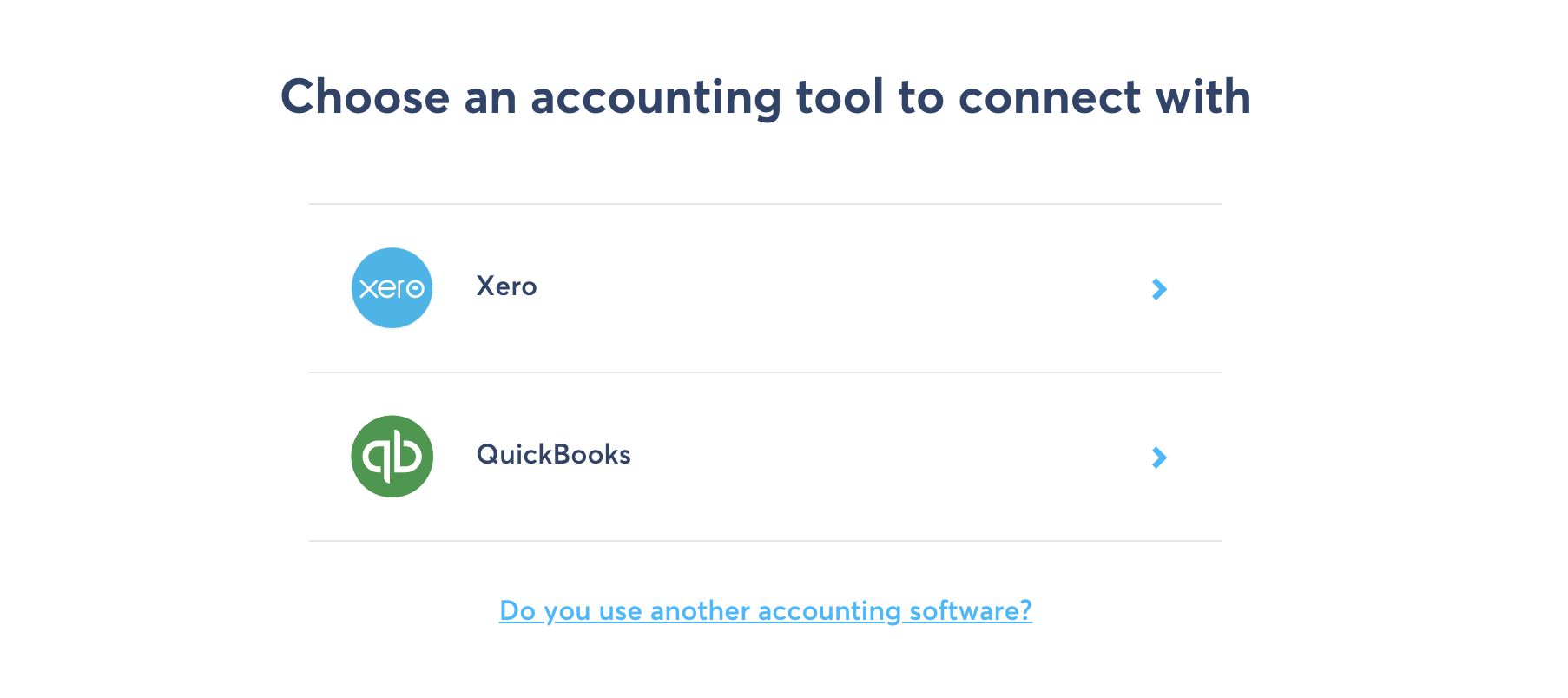
Connecting your currency accounts to QuickBooks is simple and works just like our integration with Xero.
Control which currency accounts you sync
Keep track of your international transactions in multiple currencies. And enable or disable sync of any QuickBooks bank accounts whenever you want.
Handle your accounting instantly
No need to manually export or upload your account statements. They’ll sync with QuickBooks daily.
How to get started
- Log in to your account, or sign up here.
- Head to your Currencies
- Click connect to accounting
- Select QuickBooks and follow the steps to sync your accounts
That’s it! All your transactions will be synced daily to QuickBooks.
Start saving today with Wise
*Please see terms of use and product availability for your region or visit Wise fees and pricing for the most up to date pricing and fee information.
This publication is provided for general information purposes and does not constitute legal, tax or other professional advice from Wise Payments Limited or its subsidiaries and its affiliates, and it is not intended as a substitute for obtaining advice from a financial advisor or any other professional.
We make no representations, warranties or guarantees, whether expressed or implied, that the content in the publication is accurate, complete or up to date.