Free estimate template in {format}.
Use our free {format} estimate template to create professional estimates in moments. And make it easier for international customers to pay fast and for free with a Wise business account.

Estimate templates in {format}.
{format} estimate template

Quotation {format} template

Estimate template {format}

Get paid however you need with a Wise Business account.
Work with customers, suppliers or employees abroad? You’ll need a smart way to send and receive fast, safe, low cost international payments.
Meet the Wise Business account
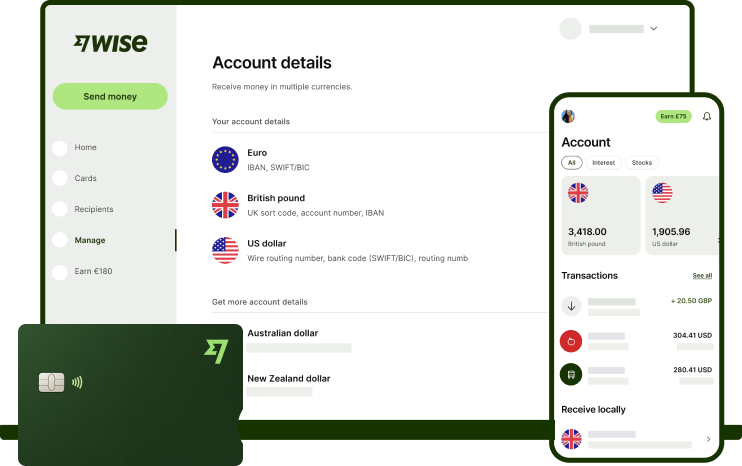
Pay invoices and people domestically and abroad, receive payments for invoices, fee-free in major currencies. Make and receive cross-border payments with exchange rates that banks can’t offer, and save up to 2x compared to PayPal.
You’ll also be able to cut your admin time with batch payments, Xero integration and automation with our powerful open API.
Meet the Wise Business account
Pay invoices and people domestically and abroad, receive payments for invoices, fee-free in major currencies. Make and receive cross-border payments with exchange rates that banks can’t offer, and save up to 2x compared to PayPal.
You’ll also be able to cut your admin time with batch payments, Xero integration and automation with our powerful open API.
Find different estimate formats and styles.

Choose the format type that suits your needs best.
We also offer document templates that will come in handy further down the line, like invoice templates and receipt templates.
Find different estimate formats and styles.
| Choose your format |
|---|
|
|
FAQ about cost estimates.
An estimate is a document showing how much you expect to charge the customer for goods or services you're going to provide. A potential customer should be sent an estimate for review and approval prior to any work beginning. Once the work and the fee has been agreed, an invoice is issued, to request payment.
Save time and money with Wise for Business
The easier way to connect with customers, suppliers and staff, and watch your business grow.