
Top 10 international banks in the Philippines: accounts, fees and options
Compare the top 10 international banks in the Philippines, including foreign banks, account options, fees, requirements, and transfer alternatives.


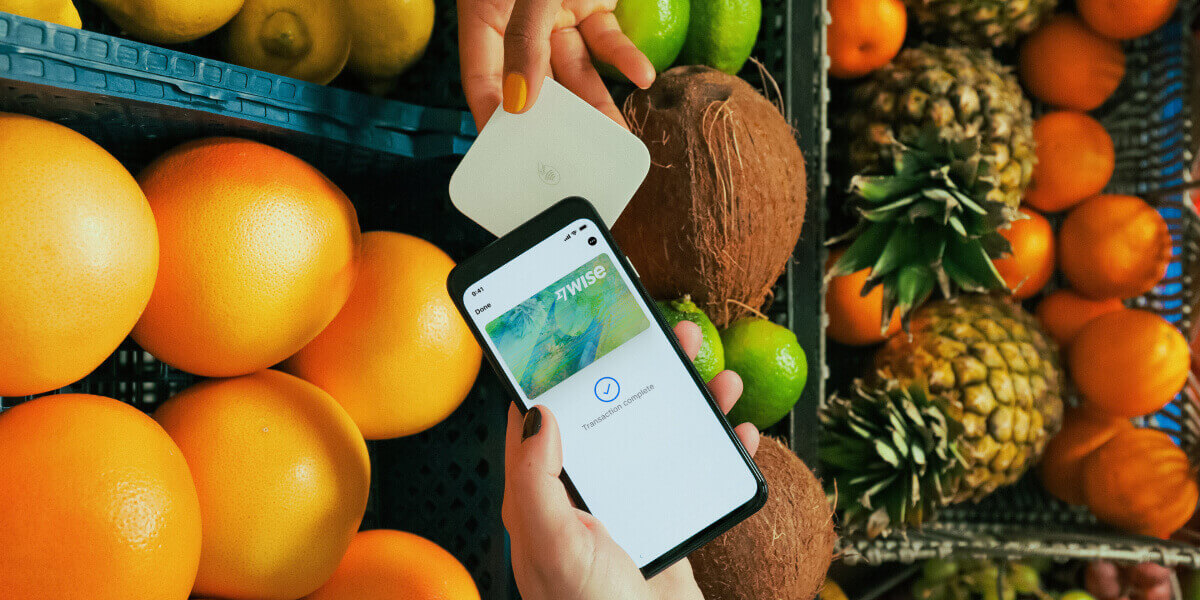


If you regularly earn, send, or spend money in foreign currencies, you’ve probably come across Wise. Known for low, transparent international transfers, Wise also offers a debit card linked to its multi-currency account.
But is the Wise card available in the Philippines? And is it worth using for travel, freelancing, or online shopping?
In this guide, you’ll learn how the Wise card works, its fees, features, and who it’s best for.
Yes. Residents of the Philippines can open a Wise account and order a Wise card.
To get the Wise card, you’ll need to:
Verification is required before you can fully use the account. Wise may ask for a valid government-issued ID and, in some cases, proof of address. Eligibility is subject to verification of customers’ identity.
Once approved, you can:
The virtual card is available immediately after approval, while the physical card is delivered to your registered address.
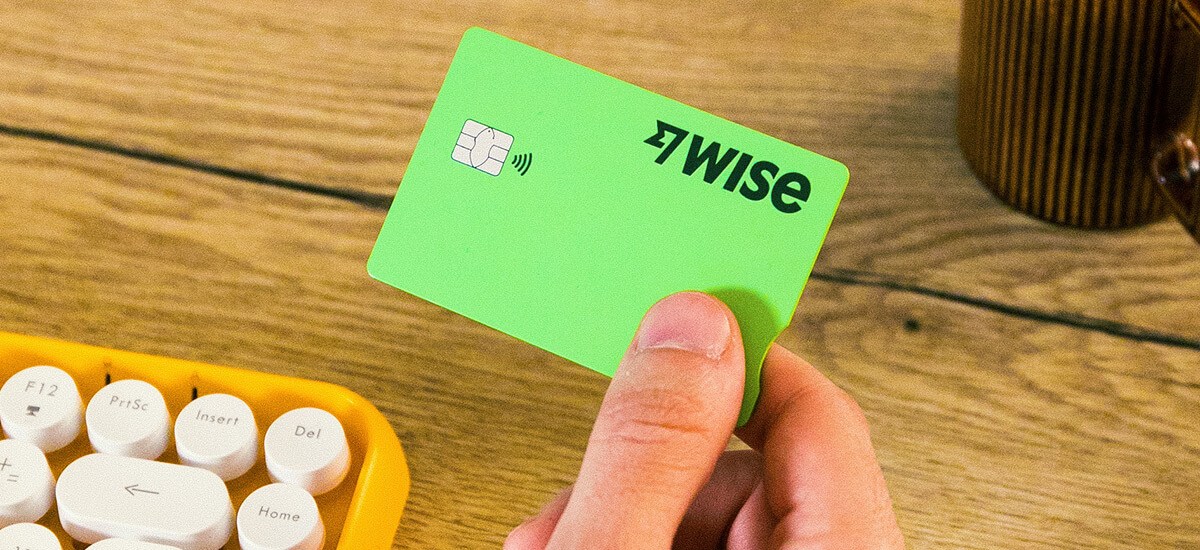
The Wise card is a debit card which is linked to your Wise multi-currency account.
You’ll be able to order a physical Wise card to make in person payments and ATM withdrawals, and also generate an instant virtual card you can use for online spending.
Wise cards can be used around the world for spending and withdrawals in 40+ currencies, with no foreign transaction fees and no account maintenance charges. When you spend in a currency you don’t already hold, Wise automatically converts your money using the mid-market exchange rate and a low, transparent fee.
There’s no annual fee. You pay a small one-time fee to order the physical card. After that, there are no ongoing card charges
Yes, the Wise card is safe to use, and comes with plenty of smart security features so you can keep track of your money on the move. Here are some of the Wise card security features you can expect:
Using a card for spending and withdrawals when you’re travelling is far safer than carrying large amounts of cash - and having a separate account for your foreign currency spending can also boost security and help you manage your holiday budget more easily. You can manage everything directly from the Wise app.
Let’s take a look at how the Wise card works in real life, both locally and internationally.
Wise accounts can be used to hold 40+ currencies, allowing you to spend using your Wise card in 150+ countries around the world. In fact, you can use your Wise card at millions of merchants and ATMs globally. For extra convenience, you can add your Wise card to Google and Apple Pay for easy contactless payments.
Top up your Wise account with Philippine peso and allow the Wise card’s smart auto-conversion feature to switch to the currency you need for spending, using the mid-market exchange rate and low fees from 0.57%¹. You’ll always get the lowest available fee, with no need to worry about converting to the currency or currencies you need for spending ahead of time.
But if you want to take advantage of exchange rate fluctuations, use the rate tracker built into the Wise app to get notified when your desired currency is at its ideal price.
Or you can take a look at the real-time mid-market rate Wise offers below:
Use your Wise card to make ATM withdrawals wherever Visa cards are accepted. You’ll be able to withdraw up to 13,000 PHP every month for no fee⁴, with no limit on the number of free withdrawals. After that, a low transparent charge applies to withdrawals above that amount. There’s no foreign transaction fees, and no cash advance charge, which can mean you save significantly compared to using your normal bank card for withdrawals.
Note: Wise may not charge for certain withdrawals, but some independent ATM operators may apply their own fees.
Shopping on Amazon US, UK, or other international sites? The Wise card automatically converts your PHP to the correct currency at the mid-market rate plus a transparent fee.
Pay for Netflix US, Spotify Premium, international software tools, or foreign memberships. You can manage recurring payments directly in the app and freeze your card anytime if needed.
Freelance tools, SaaS platforms, web hosting, and design services often charge in USD or EUR. The Wise card helps you pay directly without relying on costly bank conversions.
There’s no fee to open a personal Wise account, and no ongoing or maintenance costs to worry about either. Once you’ve registered your Wise account online or in the Wise app, you can order your Wise card for a low, one time fee and start using your virtual Wise card right away.
| Service | Wise card fee² |
|---|---|
| Order a physical card | 369.60 PHP |
| Generate a virtual card | Free |
| Replace an expiring card | Free |
| Spend with your card | Free to spend any currency you hold Currency conversion uses the mid-market exchange rate, with low fees from 0.57% |
| ATM withdrawals | Free withdrawals up to 13,000 PHP a month - no fee. After that, 2.69% of the withdrawal amount |
Note: Pricing and limits may change. Please see the Wise Fees & Pricing page for the most up to date information.
Ready to get started? Here’s how to open a Wise account and order your Wise card:
The Wise card can be especially useful for:
Wise Pilipinas Inc. is regulated by the Bangko Sentral ng Pilipinas. You may visit the BSP website for more information about its regulatory framework and consumer protection policies.
Sources:
*Please see terms of use and product availability for your region or visit Wise fees and pricing for the most up to date pricing and fee information.
This publication is provided for general information purposes and does not constitute legal, tax or other professional advice from Wise Payments Limited or its subsidiaries and its affiliates, and it is not intended as a substitute for obtaining advice from a financial advisor or any other professional.
We make no representations, warranties or guarantees, whether expressed or implied, that the content in the publication is accurate, complete or up to date.

Compare the top 10 international banks in the Philippines, including foreign banks, account options, fees, requirements, and transfer alternatives.

Sending money overseas with GCash? Learn about GCash International Transfer fees, limits, exchange rates, supported countries and transfer times.

Learn how the GCash US Virtual Account works, who can apply, how to receive USD, and what fees and exchange rates to expect.

Learn how GCash Overseas works, who can register, where it's available, the fees, limits and features, and whether it's right for Filipinos abroad.

Learn how to send money to GCash step by step, including GCash-to-GCash and international transfers with Wise to Philippine mobile wallets.

See Metrobank Travel Signature Visa benefits, annual fee, lounge access, miles conversion and requirements, plus ways to save on travel spending.

















































