
How to Buy a House in Malaysia: A Complete Buyer’s Guide (2026)
Planning to buy a house in Malaysia? Find out how much you’ll need, what fees to expect and how the buying process works.



Don’t want to rely on cash in Malaysia? Get QR payments sorted before you go. Use Wise to scan DuitNow and Alipay+ QR codes and pay at food stalls, markets and smaller shops that don’t take cards.

 *For product availability and more information, visit wi.se/pay-qr.
In Malaysia, GrabPay can be used to scan compatible DuitNow QR codes and pay participating merchants.¹ DuitNow QR is Malaysia’s national QR payment standard, allowing participating banks and e-wallets such as GrabPay to use the same QR infrastructure.
So, how does it work in practice? This guide covers how GrabPay DuitNow works, where you can use it, and how it compares with other payment options. You can also learn more about the Wise card, an easy way to stretch your ringgit when paying in foreign currencies.
| Table of Contents |
|---|
DuitNow QR is Malaysia’s national QR payment standard, operated by PayNet.¹ Participating banks and e-wallets can accept payments through the same QR code, which means merchants don’t need a different QR code for every payment provider.
With GrabPay, you can scan compatible DuitNow QR codes directly through the Grab app. There’s no need to register for a separate DuitNow account to make a payment with GrabPay.
Paying a participating merchant with GrabPay DuitNow takes a few steps¹:
- Open the Grab app and select the QR scanner by swiping right or tapping the scanner icon.
- Scan the merchant’s DuitNow QR code.
- Enter the payment amount if it isn’t already filled in.
- Review the payment details and choose your payment method.
- Slide to complete the payment.
GrabPay isn’t limited to merchants displaying a GrabPay QR code. If a cafe, restaurant, retail shop, or local merchant displays a DuitNow QR code – typically outlined in pinkish-red – you can scan it with the Grab app and pay with GrabPay.
Grab says its users can scan any DuitNow QR code, including those issued by other participating banks and e-wallets.¹ When it’s time to pay, just look for the DuitNow QR logo.
If you see a Malaysian merchant displaying multiple QR codes, you may wonder which one to scan. A GrabPay Merchant QR – typically outlined in green – is designed specifically for GrabPay, so you can only use the Grab app to make a payment.
A GrabPay DuitNow QR works differently: it uses the DuitNow network and can accept payments from other participating banks and e-wallets.¹ And if the DuitNow QR code was issued by another provider, you can still scan it with GrabPay.
| QR type | Pay with GrabPay | Other banks/e-wallets accepted? | What to know |
|---|---|---|---|
| GrabPay Merchant QR | Yes | No | You can only use GrabPay to scan these QR codes |
| GrabPay DuitNow QR | Yes | Yes | Issued through Grab and connected to the DuitNow network |
| DuitNow QR from another provider | Yes | Yes | Issued by another participating bank or e-wallet provider but can still be scanned with GrabPay |
If a merchant displays both a GrabPay DuitNow QR and a DuitNow QR code from another provider, you can scan either one with the Grab app. There is, however, a difference when rewards are involved.
Paying through a GrabPay DuitNow QR at an eligible GrabPay Preferred Merchant can give you access to GrabRewards points, vouchers and other Grab promotions. You can also use your existing points and eligible rewards to offset your payment.
Those Grab-specific rewards and promotions don’t apply when you use GrabPay to scan and pay through a non-GrabPay DuitNow QR code.¹
Yes. Merchants with a valid DuitNow QR code from a participating provider can accept GrabPay payments without getting a separate GrabPay-only QR code. A GrabPay DuitNow QR, meanwhile, can accept payments from GrabPay as well as other participating bank and e-wallet apps.
For merchants using a GrabPay DuitNow QR code, the GrabMerchant app shows transactions from the past 90 days and provides access to their daily report. Payments made through a DuitNow QR code issued by another provider can be viewed through that provider’s platform.²
No. GrabPay does not let you transfer money to a DuitNow ID or another user’s Malaysian bank account.
You can, however, withdraw money from your GrabPay wallet to your own Malaysian bank account³ or transfer your GrabPay balance to another GrabPay user using their QR code or mobile number.⁴
If you want to send money directly to a Malaysian DuitNow ID, you can use Wise instead. And if you’re also considering international transfers, it’s worth looking at the exchange rate as well as the transfer fee, since both can affect how much your recipient gets.
Here’s how Wise compares with selected Malaysian providers:
If you want to scan DuitNow QR codes in Malaysia and send money to DuitNow IDs from the same app, Wise offers both options. This can be particularly useful for foreigners in Malaysia who want to manage QR payments, DuitNow transfers and card payments in one place.
You can also use your physical or digital Wise Card to pay merchants that accept card payments.
To pay a merchant by scanning a DuitNow QR code with Wise, follow these steps:
- Open the Wise app and tap Scan on the Home tab, or go to the Cards tab and swipe right to the QR scanner.
- Scan the merchant’s DuitNow QR code. You can also tap Photo to upload a QR code saved in your phone's gallery or Document to upload a QR code file.
- Enter the payment amount, then review the payment details and any fees.
- Confirm the payment. The payment is taken from your Wise account, with currency conversion handled automatically at the mid-market rate if you don’t hold MYR.
Want to send MYR to a recipient’s DuitNow ID instead? The steps are:
- Open the Wise app, tap Send and choose a recipient.
- For a new recipient, select Add, then choose MYR as their currency.
- Choose DuitNow ID as the recipient’s payment method, then enter their DuitNow ID and full name.
- Enter the amount you want to send in MYR or another currency you hold.
- Review the transfer details and fees.
- Confirm and pay from your Wise balance to complete the transfer.
Heading overseas? Malaysian Wise customers can also use the app to scan Alipay+ QR codes when travelling outside Malaysia.
Wise customers from the UK, Europe, Australia, New Zealand, Singapore and Brazil can do the same when they’re outside their home country. Alipay+ is accepted by participating merchants in more than 50 countries.
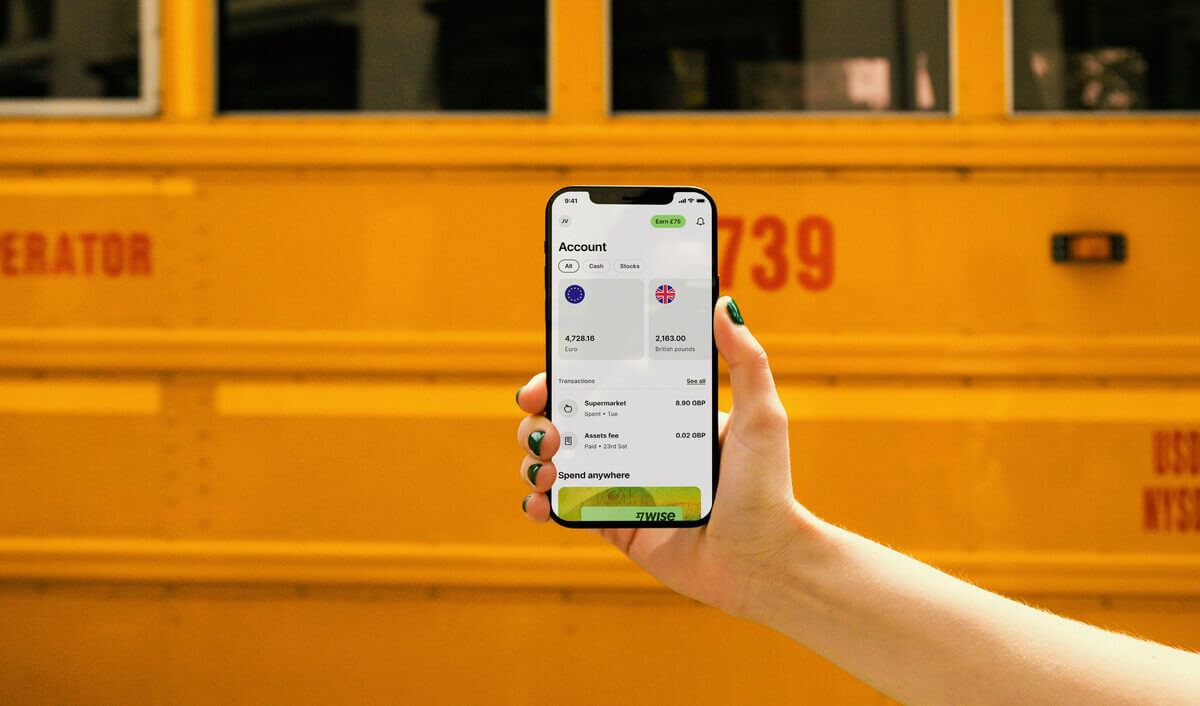
The Wise card lets you spend in 40+ currencies at the mid-market rate including CNY, JPY, GBP, and SGD so you know you'll be getting a great deal in over 150+ countries. Simply create a free Wise account, order a card and top-up MYR to get started.
Virtual cards are free and can be added to your Google or Apple Pay wallet, while a physical Wise card can be ordered for a low fee of 13.70 MYR. Having a physical Wise card allows you to make chip and pin payments, as well as two free ATM withdrawals to the value of 1,000 MYR each month, before low fees start.
While abroad, you can choose to spend with directly in MYR and let auto-conversion do the trick, or convert to your desired currency with your Wise account. Either way, you’ll get the exchange rate you see on Google, with low, transparent fees from 0.25%.
Sources:
*Please see terms of use and product availability for your region or visit Wise fees and pricing for the most up to date pricing and fee information.
This publication is provided for general information purposes and does not constitute legal, tax or other professional advice from Wise Payments Limited or its subsidiaries and its affiliates, and it is not intended as a substitute for obtaining advice from a financial advisor or any other professional.
We make no representations, warranties or guarantees, whether expressed or implied, that the content in the publication is accurate, complete or up to date.

Planning to buy a house in Malaysia? Find out how much you’ll need, what fees to expect and how the buying process works.

Compare Visa vs Mastercard in Malaysia, including acceptance, exchange rates, fees, benefits and which may suit you better.

Compare TNG Visa Card vs Wise Card on exchange rates, overseas fees, cashback, ATM costs and travel features to see which suits you best.

Not sure whether to choose MGIA or MIGA-i? We break down the key differences in fees, features, and physical redemption options to help you decide.

Living in Malaysia and need to send money home to the Philippines? Here's how to use GCash Overseas or a remittance app to transfer funds quickly and cheaply.

Want to top up your EPF from your phone or desktop? Here's how to transfer money to EPF using the MAE app and Maybank2u, step by step.

















































