
What are retained earnings? Guide for Australian businesses
Learn about retained earnings, the formula, balance sheet impact, and how to use accumulated profits for sustainable growth. Read here.



Xero is one of the most popular accounting software tools with 4.6m+ subscribers globally. For small Australian businesses, it offers a simple way to manage finances and reduce the administrative burden of bookkeeping and reporting. Still, one question that regularly crops up is: how much does Xero cost?
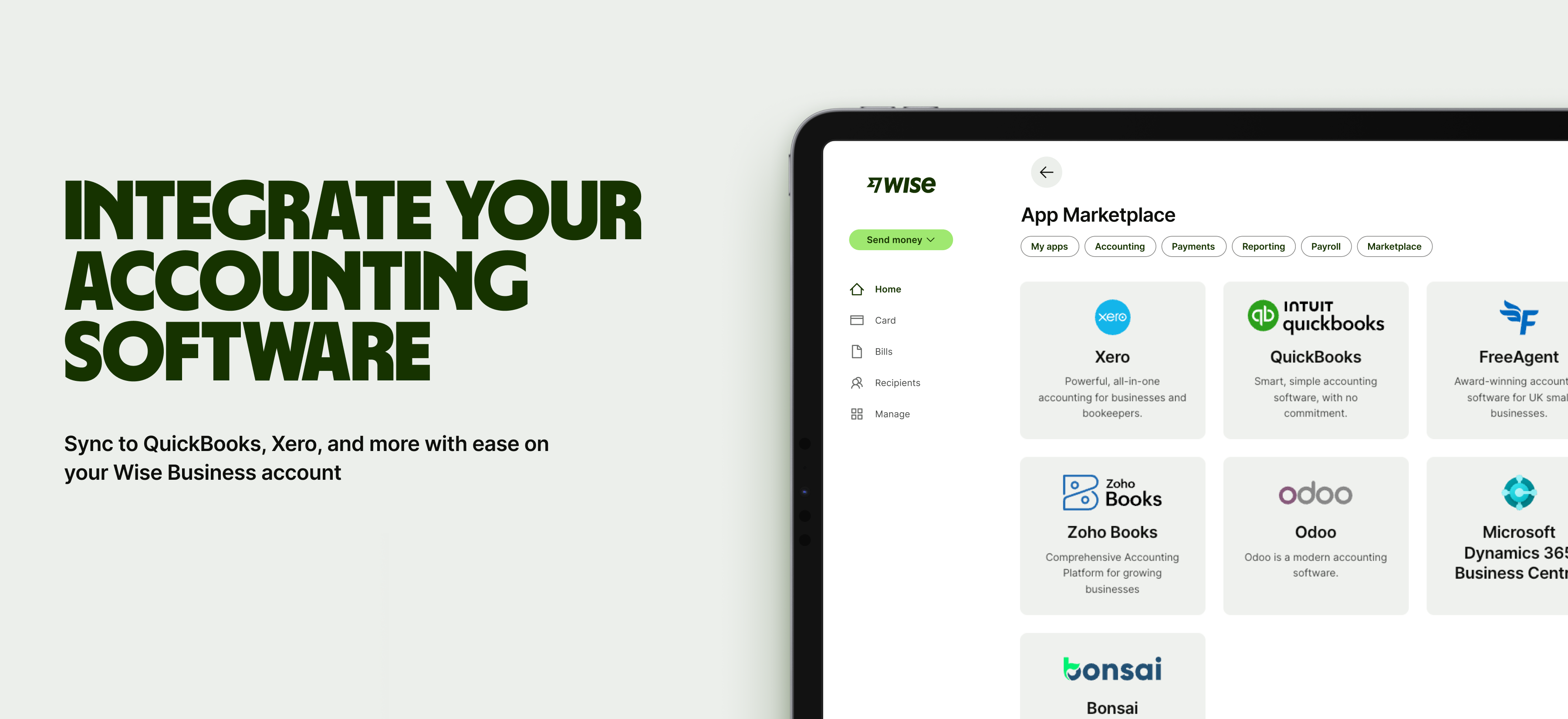
This guide will divulge all the pricing details with a full breakdown of the plans in Australia, covering the features included, what you’ll pay, and some ‘best for’ recommendations. There’s also an introduction to Wise Business — a multi-currency account you can integrate with Xero to manage and reconcile all your global transactions.
| Table of contents |
|---|
Sign up for the Wise Business account! 🚀
Xero is cloud-based accounting software that helps businesses manage their finances and sort bookkeeping. You can sign up to Xero and start using it straight away to pay bills, send invoices, claim expenses, manage your payroll (and more). It brings all these things together within one simple platform, making it easier to see your financial health and make smart decisions.
Xero is suitable for most small businesses, including:
There are four Xero business plans in Australia, each with different features and pricing: Ignite, Grow, Comprehensive, and Ultimate 10.
Here’s a breakdown of what they look like¹:
| Plan | Monthly fee | Best for | Key features |
|---|---|---|---|
| Ignite | $35 | Sole traders | Send invoices, capture bills and receipts, GST reporting, bank feeds |
| Grow | $75 | Small businesses | Unlimited invoicing and bills, 2 people payroll, claim expenses, customised graphs and reports |
| Comprehensive | $100 | Growing business | All Grow features, multi-currency accounting, advanced cash flow forecast, 5 people payroll |
| Ultimate | From $130 | Larger businesses | All Comprehensive features, advanced KPI analysis, track projects, 10+ people payroll |
Now, we’ll look at each plan in more detail, starting with Ignite.
The entry-level tier, Ignite, is the starter option for businesses. Xero markets this as an “easy financial foundation” with just the essentials. If you’re a sole trader or micro business that relies on a manual system or cash book, this might be a worthwhile “first step” if you only need basic accounting without any frills or extras.
Key features¹:
Things to be mindful of:
The next tier, Grow, is where most of Xero’s features are unlocked fully. You get free rein with invoices and bills, and access to graphs and visuals for your finances. This plan is suited to self-employed individuals and businesses that are beyond the initial startup phase and need more tools, but don’t have many employees yet.
Key features¹:
Things to be mindful of:
Xero Comprehensive is the plan for most “micro” businesses. It adds advanced payroll capabilities plus multi-currency accounting for the first time, and you get more granular reports and analytics.
Key features¹:
Things to be mindful of:
Comprehensive is best for businesses with 2 to 5 employees, as well as importers, exporters, and other businesses that trade internationally. If you’re a dropshipper buying goods from overseas and working for yourself, you’ll still need to select this tier, as it’s the first to let you manage multiple currencies.
Xero’s top tier is a “professional-grade” accounting infrastructure. It’s geared towards fast-growing small to medium-sized businesses with bigger teams that require more sophisticated reporting and analytics.
For example, this might work for a software company with 18 employees operating in Australia and New Zealand, managing payroll in multiple currencies while tracking expenses for a distributed team. Ultimate 20 provides capacity for current staff with room to grow.
Key features¹:
Things to be mindful of:

The Xero charges listed in the previous section are in plain sight; outlined upfront in detail on Xero’s pricing page. However, there are other additional costs that are easy to overlook. These should also be factored in when calculating the Xero cost per month.
Xero’s expenses and payroll features come with set allowances for each tier. For example, you can claim expenses and mileage for 5 users with the Comprehensive plan. If you need support for any additional users, outside these allowances, you’ll need to pay a $5 fee per person¹. This is true across all tiers.
Xero’s Ultimate 10 Plan comes with a 10-person payroll, as standard. However, there is the option for a monthly plan with 100 people, with fees for additional users up to 200 people¹.
You can connect 1,000+ apps to Xero through the official Xero app store. While these tools enhance functionality, many do charge separate fees, either as a standalone purchase or subscription costs. For this reason, when integrating any third-party apps, make sure to check the costs involved.
If you add Stripe or PayPal to take advantage of the “Pay Now” buttons on Xero invoices, these payment processors will charge a transaction fee (typically 1.7% plus $0.30 AUD for domestic cards)². These are not Xero fees, but it’s still good to be aware of the costs of getting paid faster.
Now that we’ve covered all the costs involved, let’s look at how to match Xero pricing plans with your specific business requirements.
Xero is geared towards startups, but its plans can be moulded to different business types and sizes. To find the right one for you, you’ll need to evaluate your current needs and match them to features available in each tier, also with an eye on your near-term growth plans.
The good thing is, you can upgrade and downgrade to a different plan when it’s convenient for you. You aren’t locked into anything for a specific period, though you do have to give 1 month’s notice before leaving if you want to cancel your sub³.
Summing up all that info, here’s a general guide or “rule of thumb” for Xero plans:
Choosing a Xero plan that supports multi-currency accounting is a great step for global trade, but you also need a cost-effective way to actually move that money.
Fortunately, Xero integrates with Wise Business, a multi-currency business account that lets you complete international transfers with no hidden markups on the [real, mid-market rate] and transparent fees, saving you money every time.
You can pay overseas suppliers or receive funds at the mid-market rate, and because the account feeds directly into Xero, it helps simplify the reconciliation process so your books stay accurate without constant manual input.
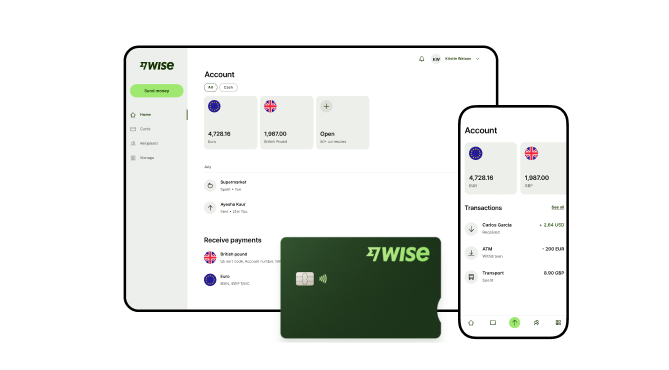
A Wise Business account allows users to can send, receive, and hold in multiple currencies. Experience hassle-free global transactions by transacting like a local business. Here's what you get with a Wise Business account:
Sign up for the Wise Business account! 🚀
This general advice does not take into account your objectives, financial circumstances or needs and you should consider if it is appropriate for you.
**Capital at risk, growth not guaranteed. Interest is the name of a custody and nominee service provided by Wise Australia Investments Pty Ltd in partnership with Franklin Templeton.
1. Does Xero have a free plan?
No, Xero doesn’t offer a free plan in Australia. Every subscription has a monthly fee with “add-ons” for things like claiming expenses and tracking projects. For example, the entry-level tier, Ignite, typically costs a flat rate of $35 per month. However, Xero does routinely offer 30-day free trials and introductory discounts for new users.
2. Can I change my Xero plan later?
Yes, Xero lets you upgrade (or downgrade) your plan at any time after the first 30 days⁴. The changes usually take effect from the next billing cycle. This flexibility is useful for small businesses that may need to scale up during peak seasons or those that hire new staff and require a higher payroll allowance.
3. Are there setup fees or cancellation fees?
Xero doesn’t charge any setup or cancellation fees. There are no contract “lock-ins” either, but there is a one-month notice period when cancelling. You can cancel your Xero subscription at any time via the settings.
4. What kind of customer support is included in each plan?
All Xero plans include 24/7 online support and access to Xero Central, a knowledge base with help articles, courses, and discussions. While Xero doesn’t offer inbound phone support, you can log a support ticket to receive an outbound call⁵. There are also no ‘premium’ customer service features for higher tiers.
Sources:
*Please see terms of use and product availability for your region or visit Wise fees and pricing for the most up to date pricing and fee information.
This publication is provided for general information purposes and does not constitute legal, tax or other professional advice from Wise Payments Limited or its subsidiaries and its affiliates, and it is not intended as a substitute for obtaining advice from a financial advisor or any other professional.
We make no representations, warranties or guarantees, whether expressed or implied, that the content in the publication is accurate, complete or up to date.

Learn about retained earnings, the formula, balance sheet impact, and how to use accumulated profits for sustainable growth. Read here.

Learn how to calculate GST in Australia. Understand inclusive vs exclusive pricing, claim GST credits, and avoid common pitfalls to ensure business compliance.

Demystify business turnover. Learn how to calculate gross income, understand gst thresholds, and distinguish turnover from profit for your business.

Discover what a VAT number is and how it differs from Australian GST. Learn why the ABN matters for international business and more. Read here

Understand IBAN, how they differ from BSB codes, and when you need them for international transfers. Learn to navigate global payments.

Learn how to accept online payments in Australia. Learn about methods like gateways, links, and bank transfers and managing fees, security, and compliance.

















































