
Guide on small business payment processing in Australia
Learn how small business payment processing works in Australia, including costs, setup steps, and how to manage domestic and international payments efficiently.



Odoo is the “everything works together” platform for business management. Instead of bouncing between five different systems every day, you get EPR and CRM tools in one connected environment. It’s designed to streamline how your business runs and keep your data consistent across every department.
The company, Odoo, is based in Belgium, but it provides its software to users globally, including in Australia, where you can get access with a monthly subscription. Odoo says it now has 15+ million users, and a network of 16,000 partner experts¹.
| Table of contents |
|---|
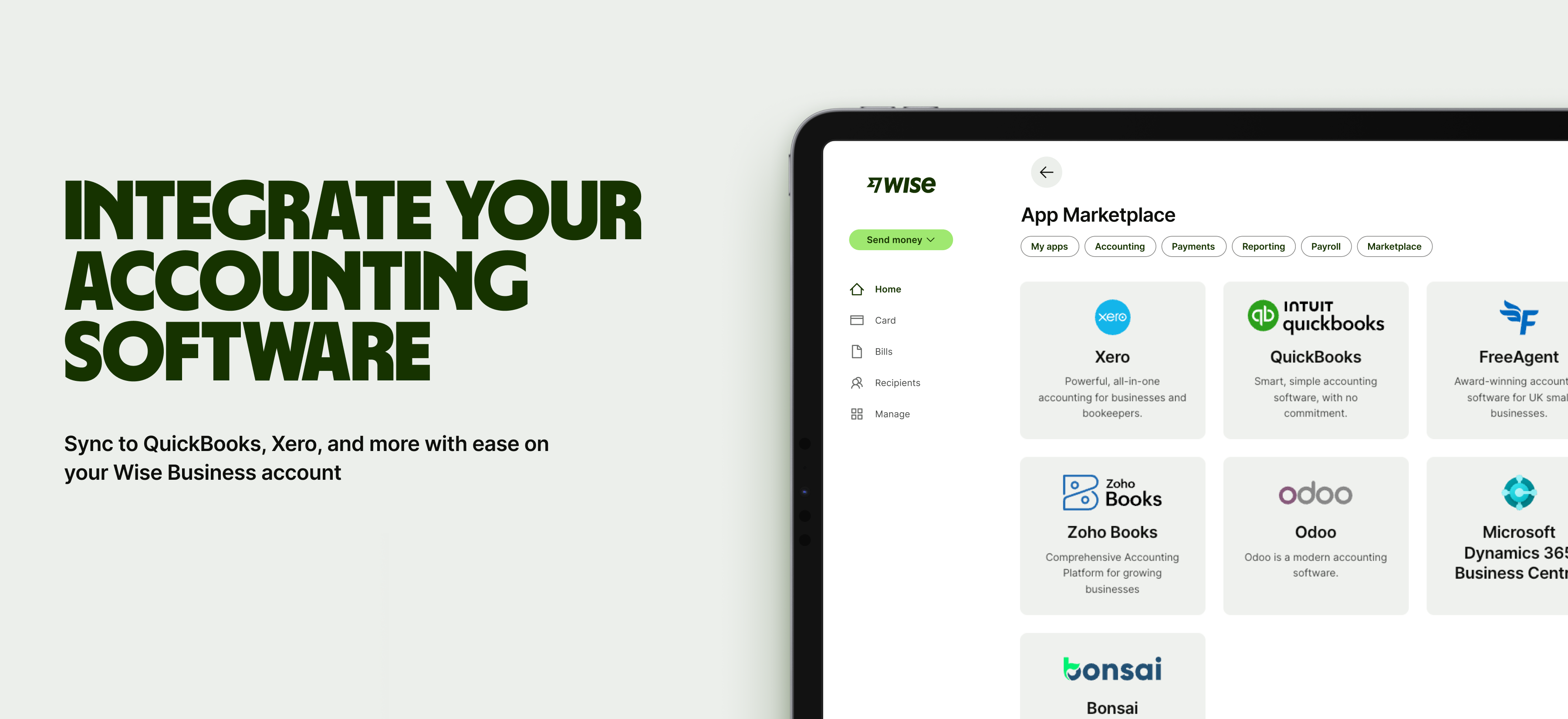
Sign up for the Wise Business account! 🚀
Odoo is built on a simple idea: start with the apps you need, then add more as you grow. Instead of forcing you to integrate a complex and unwieldy EPR system from day one, Odoo eases you in with a modular approach. Every tool (or “app”) works within a broader system. That means:
For Australian businesses, this means you can get going with something pretty simple, like invoices or CRM, and then expand later into inventory, or HR, or manufacturing (or a combo of all three).
Odoo offers dozens of integrated modules. We’ll now look at the eight core groups these apps and modules are grouped under, with an in-depth look at what they offer and how they solve common problems.
In Odoo, a module is a single ‘building block’ that adds a specific feature, while an app is a package of related modules.
Odoo’s CRM and sales app is marketed as a ‘true customer-centric tool’ for sales, smoothing the path from lead to conversion. It has a main dashboard with each opportunity listed as a card — these can be dragged and dropped across the pipeline for easy management.
What you can do²:
Instead of switching between different spreadsheets and email inboxes, you can use Odoo CRM and sales as a central hub to track the entire customer journey. It’s useful for any team that works with repeat customers or has a pipeline-driven sales process, such as B2B and service companies, trades, and wholesalers.
CRM app feature overview
Odoo’s finance modules are wide-ranging, including modules for accounting, invoicing, expense, business intelligence, documents, and signage. Odoo accounting is what brings everything together, allowing you to build a financial control centre within the broader ERP system.
What you can do³:
Odoo Accounting streamlines the process of managing finances. There’s no double handling where you have to enter the same info twice, and less work involved in reconciling accounts. All financial activity runs through the same platform, so you get a more accurate view of your numbers.
It’s ideal for any business that wants simple finances, such as ecommerce sites selling across Australia. They can use Odoo to track sales, freight costs, and supplier invoices inside one dashboard, and then export data instantly for easy BAS filing.
Odoo’s human resources module helps businesses manage teams and people as they grow. Again, centralisation is a running theme. Instead of having to cobble together emails and forms across different systems, Odoo Employees lets you do everything from recruitment to performance reviews on a single platform.
What you can do⁴:
Manual processes can be incredibly slow and disorganised, especially for small teams. Odoo replaces all these workflows with one system that keeps everything organised and accessible. It’s ideal for any business that’s thriving and needs more structure — growing agencies, consultancies, retailers, etc.
Odoo has six modules for marketing: social, email, SMS, events, automation, and surveys. Because all these sit in the same system as CRM and sales, you can get campaigns up and running for each of these channels in no time at all, using real customer data, instead of outdated lists and manual imports.
What you can do:
Odoo’s marketing app is ideal for any business that’s fed up with juggling 3 or 4 different platforms to engage customers, and wants to run consistent campaigns and automate follow-ups. This includes dropshippers, ecommerce brands, local services providers, and subscription-based businesses.

Odoo has six modules for supply chain processes: inventory, manufacturing, PLM, purchase, maintenance, and quality. These give businesses an end-to-end view of how products move through their operations. They all work together to manage things like stock and production.
What you can do⁷:
Inventory management can be challenging when separate tools (POS, ecommerce, warehouse, etc.) don’t integrate. Odoo fixes this: each of the six apps ‘talk’ to each other and fit within the broader system to keep data accurate and reduce fulfilment delays and stockouts. Perfect for retailers, wholesalers, distributors, among others.
Odoo’s websites apps let you build an online presence that ties directly into the rest of your operations. The apps at your disposal here are: website builder, ecommerce, blog, forum, live chat, and eLearning.
What you can do⁸:
One of the main benefits is that you can manage your website in the same system as your store and inventory, so everything ‘connects’, saving time and reducing errors. It’s well-suited to online retailers, service businesses taking online bookings, and other companies that want a functional website that works with their sales and back-office systems within Odoo.
Odoo’s Services apps are built for businesses that deliver work through projects and billable hours. These tools, which include ‘Project’, ‘Field Services’, and ‘Planning’, all help small teams stay organised and track time. A big bonus is that they can link directly to your invoicing and accounting within Odoo.
What you can do¹⁰:
Again, Odoo centralises everything, so you don’t have to muddle through projects with scattered tools and updates. This improves project management and makes sure teams get paid accurately for all their work; ideal for consultancies, creative agencies, IT support teams, and more.
Odoo’s Productivity suite includes six apps: discuss, approvals, IoT, VoIP, knowledge, and WhatsApp. It brings together a set of tools to support clear comms and information sharing between teams, and just as importantly, works inside the same system your operations run on. Everything’s connected and easy to find.
What you can do¹¹:
These productivity features are all beneficial for businesses that want smoother internal communications. That includes retail teams, warehouses, and growing office-based teams.
Odoo keeps things streamlined in Australia with just three core plans for customers: One App Free, Standard, and Custom.
The free plan gives you access to just one Odoo app (of your choosing), but to get the benefit of everything integrating together, you’ll need Standard, which provides access to all the Odoo apps listed in the previous section.
Here’s an overview of the pricing for the plans¹².
| Plan | Price | Offering |
|---|---|---|
| Odoo One App | $0 | One app and Odoo Online |
| Standard | $34.30 per month for first 12 months, then $43 per month | All apps and Odoo Online |
| Custom | $52 per month for first 12 months, then $65 per month | All apps, Odoo Online, Odoo Studio, Multi-Company, External API |
Odoo does offer a free, 14-day trial for the Standard and Custom if you want to test the services before committing.
As we’ve already covered, Odoo has a huge number of modules and apps that can form the digital backbone of your business and be tailored to your specific requirements. Integration is the big advantage — everything works together seamlessly.
Here are a few more benefits of using Odoo to run your business:
Managing finances across borders can introduce unnecessary complexity to your workflow. Integrating Wise Business with Odoo helps solve this by syncing your multi-currency transactions directly to your accounting software.
This connection allows you to pay overseas suppliers at the mid-market rate and automatically matches expenses to your records. It simplifies the reconciliation process and gives you a clearer view of your international cash flow without the need for manual data entry.
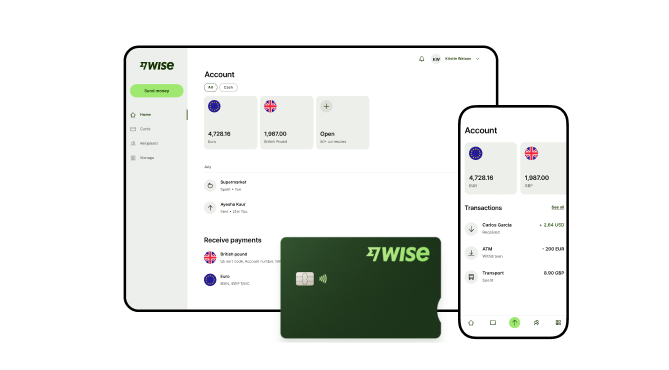
A Wise Business account allows users to can send, receive, and hold in multiple currencies. Experience hassle-free global transactions by transacting like a local business. Here's what you get with a Wise Business account:
Sign up for the Wise Business account! 🚀
This general advice does not take into account your objectives, financial circumstances or needs and you should consider if it is appropriate for you.
**Capital at risk, growth not guaranteed. Interest is the name of a custody and nominee service provided by Wise Australia Investments Pty Ltd in partnership with Franklin Templeton.
Sources:
*Please see terms of use and product availability for your region or visit Wise fees and pricing for the most up to date pricing and fee information.
This publication is provided for general information purposes and does not constitute legal, tax or other professional advice from Wise Payments Limited or its subsidiaries and its affiliates, and it is not intended as a substitute for obtaining advice from a financial advisor or any other professional.
We make no representations, warranties or guarantees, whether expressed or implied, that the content in the publication is accurate, complete or up to date.

Learn how small business payment processing works in Australia, including costs, setup steps, and how to manage domestic and international payments efficiently.

Not sure what a merchant account is? No worries. From definitions to benefits, requirements, and setups, we’re covering everything the Aussie SMB should know.
Learn how secure online payments work in Australia, the safest methods for businesses, and how to protect customer transactions and international payments.

Learn what integrated payments are, how they work, and how to set up a system. A practical guide for Australian businesses looking to simplify payments.

From payment networks to processes, we’re detailing what EFTPOS means and how it differs from the Australian domestic-only eftpos card scheme.

Learn how electronic funds transfers work, domestic vs international requirements, processing times, and the different types of EFTs for Australian businesses.

















































