
How to Register a US Business in Australia
Learn how to register a US business in Australia. Navigate legal requirements, foreign company registration with ASIC, and the Australian tax system.


Payoneer has grown into a global payment solution trusted by independent professionals, online sellers and companies that move money across borders. For many, its greatest strength lies in the flexibility it provides through two types of cards: the Payoneer Virtual Card and the Payoneer Physical Card.
Both are linked directly to your account balance. However, they operate in different ways. The virtual card offers digital convenience in online transactions, while the physical card works like a traditional debit card.
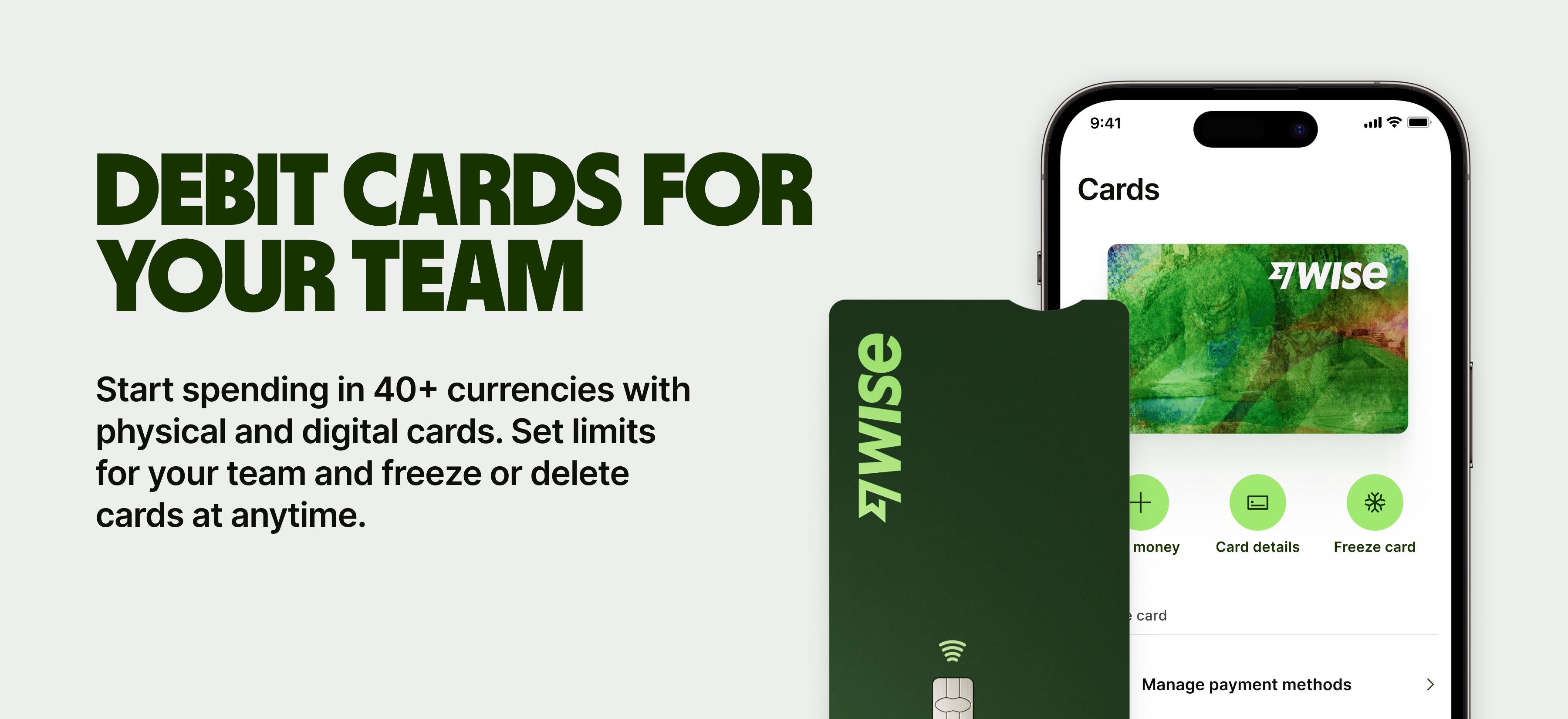
The Payoneer virtual card vs. physical card comparison below will help you determine which of the two you should opt for. We'll also talk about Wise Business and introduce you to the Wise Multi-Currency Card with our virtual and physical card options.

A Payoneer virtual card offers a digital way to spend from your Payoneer balance. It carries a card number, expiry date and CVV, just like a physical card. However, it exists only in digital form.
The card connects to a specific currency balance, like USD, EUR, GBP or CAD.1 You can use it for most online purchases where Mastercard is accepted. You can also connect it to Apple Pay and other Digital Wallets for in-store purchases.4 5
The card works for subscriptions, digital services or e-commerce platforms. Activation happens through the Payoneer dashboard and loading funds comes from your account balance.
A Payoneer physical card resembles a traditional debit card. It links directly to your Payoneer balance in one of the supported currencies.
Cardholders can swipe or tap the card in stores and withdraw cash at ATMs around the world where Mastercard is accepted. The option suits anyone who travels, needs access to cash or prefers point-of-sale payments. You receive the card by mail after ordering it from your Payoneer account, with optional express delivery for faster delivery.
| Important Point: Card Activation Fee of $29.95 may apply to virtual and physical cards |
|---|
| See Payoneer Pricing Page for the most up-to-date details |
When you’re selecting between Payoneer’s virtual and physical cards, consider how they are used in real-world transactions. Here are some variations that can help guide your decision.
Costs vary depending on account type and region. At the time of writing this article, the Payoneer pricing page doesn't differentiate between virtual and physical card fees.2 While shipping the card will clearly not incur a cost for a virtual card, the initial card order may incur a $29.95 fee for virtual cards as well.
All additional rates apply if you spend in a different currency than the card balance. Transaction costs are generally competitive, especially for digital purchases.
The physical card usually includes an annual fee, ATM withdrawal fees and currency conversion charges if used outside its base currency. While the costs may be higher than those of the virtual card, they reflect the added convenience of global ATM access and point-of-sale use.
After paying for the initial Payoneer card, you get subsequent cards for free.2 You also have to pay shipping charges, based on the option you choose. Premium FedEx Delivery costs $40 within the U.S.3
| Wise Multi-Currency Card Fees | Description |
|---|---|
| First card on the account (No subscription fees) | Free |
| Cards for team (one-time cost per card) | 5 USD |
| Standard Delivery | Free |
| Optional Express Delivery | From 0 USD |
| ATM Withdrawals - Up to and including 250 USD per month | Free withdrawals up to 250 USD per month, with no limit on the number of free withdrawals. |
| ATM Withdrawals - More than 250 USD per month | 1.95% of the amount over 250 USD, plus a flat fee of 1.95 USD per withdrawal. |
The Payoneer Virtual Card is available almost instantly after approval. It exists entirely in digital form and can be added to online stores, subscription services, Apple Pay, or payment platforms.
So, it’s highly convenient for freelancers, consultants and digital sellers who rarely need cash withdrawals. It is particularly effective for securing online purchases since card details are not physically exposed.
The Physical Card arrives by mail and functions like a traditional debit card. It is useful for anyone who requires access to ATMs or point-of-sale terminals.
International travelers, remote workers and entrepreneurs who attend trade shows or make in-person purchases often prefer this option because it supports transactions beyond the online sphere.


Both cards carry Mastercard’s global security framework, including fraud detection and the ability to freeze or block cards through the Payoneer dashboard.
The virtual card reduces exposure since it cannot be lost or stolen physically. If suspicious activity is detected, it can be canceled quickly and replaced with a new set of details.
The physical card carries the same security protections but introduces the risks tied to carrying a physical item. Loss or theft may delay access to funds until the card is replaced. Despite this, chip-and-pin technology and Payoneer’s monitoring systems help protect against fraudulent transactions.
Payoneer’s cards are available in multiple currencies. Users can request cards in USD, EUR, GBP, CAD and other major currencies. Separate cards in multiple currencies help reduce conversion fees and make it easier to receive payments directly in a client’s preferred currency.
For digital-first professionals, the virtual card offers faster deployment across different currency balances. Meanwhile, for business owners who work in different locations, the physical card makes it possible to withdraw and spend money.
The decision to use Payoneer’s virtual or physical card depends on practical needs rather than personal preference alone. A freelance designer who primarily works with online platforms might find the virtual card sufficient for every transaction.
However, a retailer who attends trade fairs abroad or imports goods from overseas may rely more on the physical card for in-person purchases and ATM access. The rise of digital wallets may mean that you can rely solely on your virtual card if you have access to modern POS systems.
It is also possible to hold both cards. Many users maintain a virtual card for secure online payments and a physical card for cash transactions.
Neither card is inherently better, as each is designed for a specific type of user. If your work is primarily digital and security is your top concern, opt for the virtual card. However, if you prefer physical transactions, the physical card can serve you better.
The Payoneer virtual card works with international subscription services as long as the platform accepts Mastercard. It functions like a standard credit or debit card, which makes it suitable for recurring payments, such as online software or SaaS tools.
Delivery times depend on your location. Standard shipping can take a few weeks, while express delivery shortens the wait considerably. Once the card arrives, activation happens online through your Payoneer account.
Payoneer’s cards come with daily and monthly limits on purchases and withdrawals. The current daily spending limit is $200,000USD.6, while there isn't maximum monthly spending limit. These limits help reduce fraud risk and align with regulatory requirements.
Payoneer’s virtual card is designed only for online transactions. To move funds to a bank account, you must initiate a transfer from your Payoneer balance. The card cannot directly push money into an external bank account.
Wise Business can help you save big time on international payments.
Wise is not a bank, but a Money Services Business (MSB) provider and a smart alternative to banks. The Wise Business account is designed with international business in mind, and makes it easy to send, hold, and manage business funds in 40+ currencies.
Signing up to Wise Business allows access to BatchTransfer which you can use to pay up to 1000 invoices in one go. This is perfect for small businesses that are managing a global team, saving a ton of time and hassle when making payments.
Some key features of Wise Business include:
Mid-market rate: Get the mid-market exchange rate with no hidden fees on international transfers
Global Account: Send money to 140+ countries and hold multiple currencies, all in one place. You can also get major currency account details for a one-off fee to receive overseas payments like a local
Access to BatchTransfer: Pay up to 1000 invoices in one click. Save time, money, and stress when you make 1000 payments in one click with BatchTransfer payments. Access to BatchTransfer is free with a Wise Business account
Auto-conversions: Don't like the current currency exchange rate? Set your desired rate, and Wise sends the transfer the moment the rate is met
Free invoicing tool: Generate and send professional invoices
No minimum balance requirements or monthly fees: US-based businesses can open an account for free. Learn more about fees here
*Please see terms of use and product availability for your region or visit Wise fees and pricing for the most up to date pricing and fee information.
This publication is provided for general information purposes and does not constitute legal, tax or other professional advice from Wise Payments Limited or its subsidiaries and its affiliates, and it is not intended as a substitute for obtaining advice from a financial advisor or any other professional.
We make no representations, warranties or guarantees, whether expressed or implied, that the content in the publication is accurate, complete or up to date.

Learn how to register a US business in Australia. Navigate legal requirements, foreign company registration with ASIC, and the Australian tax system.

Understand Australia's corporate tax rates for 2025-26: a base rate of 25% for small businesses and a standard 30% for all other entities.

Learn how to register a business in India from the US. Our guide details steps, documents, and key financial considerations for aspiring entrepreneurs.

Learn how to get your India business visa. A step-by-step guide for US professionals on requirements, applications, and costs.

This guide breaks down the best business credit cards for travel with a focus on general travel cards as well as airline and hotel-specific options.

Having trouble deciding which Wise Business account is best for your business? We’re breaking down the differences between the ‘Essential’ and ‘Advanced’...



















































