
K-ETA Singapore 2026: Do Singaporeans Need a Korea Visa?
Do Singaporeans need a Korea visa or K-ETA? Check current exemptions, entry rules, application steps, fees, requirements, and the Korea e-Arrival Card.



Don’t want to rely on cash in South Korea? Get QR payments sorted before you go. Use Wise to scan Kakao Pay and Alipay+ QR codes and pay at food stalls, markets and smaller shops that don’t take cards.

 *For product availability and more information, visit wi.se/pay-qr.
If you're travelling to South Korea, Naver Map can help you find places and plan how to get there.
The app supports English and gives directions for walking, public transport and driving. You can also check local place information, save locations and read translated reviews.
Some smaller businesses can still be harder to find in English. This guide covers how to set Naver Map to English, use its main features and find places when an English search doesn't work.
We'll also introduce the Wise card, a handy travel companion to make seamless card payments when you're overseas.
| Table of Contents |
|---|

Yes. Naver Map supports English, Korean, Simplified Chinese and Japanese.¹
You can select English in the app’s settings, while some content may also follow your phone’s language settings.
Naver Map provides translated information for places, including:
It can also translate Korean reviews using NAVER’s Papago translation technology.² This is useful when you want more information about a restaurant or attraction than its star rating alone can give you.
That doesn’t mean everything will appear perfectly in English. If a restaurant, café or shop won’t show up, try searching for its Korean name or address instead.
Changing the language only takes a few steps. It’s worth setting up the app before leaving Singapore so you can get familiar with it and save a few important places.
Download NAVER Maps, Navigation from NAVER Corp. through Google Play or the App Store.³
Once it’s installed, save your hotel and any airports, stations or attractions you already know you’ll need. That way, you won’t have to search for them after landing.
On Android:
On iPhone:
You can also go to Settings > NAVER Map > Preferred Language > English on your iPhone.¹
If the Preferred Language setting doesn't appear, add English under Settings > General > Language & Region first.¹
Once you’ve switched the app to English, you can start searching for places and comparing routes.
The basics are fairly straightforward, but a few small checks can save you from following directions to the wrong branch, or the wrong side of the city.
Type the name of an attraction, restaurant, hotel or address into the search bar.
Naver Map lets you search for places as well as bus and subway information.³
A few tips:
If you’re looking for a smaller business, copy its Korean name from its official website or social media page and paste it into Naver Map. This will often work better than trying different English spellings.
To get a walking route:
Naver Map can calculate walking routes between your starting point and destination.⁴
NAVER also offers live walking guidance on Android. This follows your location as you move and can recalculate the route if you go off course. NAVER currently says iOS support is planned.⁵
If you're using an iPhone, check the latest version of the app before relying on live walking guidance.
Choose the public transport option after entering your destination.
Naver Map can show different bus and subway routes, including options with:
Depending on the route, you may also see:
NAVER says its multilingual map service includes real-time public transport information, subway maps and boarding and disembarking guidance.⁷
For buses, you can also search by bus number or stop number. Real-time bus information is available for supported routes and stops.⁸
Tip: don't only compare total journey time. A slightly longer route may be easier if it means less walking or fewer transfers.
Naver Map also provides driving routes and navigation.
The app supports English navigation and uses real-time traffic information when calculating routes.³
Search for your destination, choose the driving option and compare the available routes before setting off.
Follow local road signs and traffic rules as well as the directions shown in the app.
Some Korean businesses are easy to find in English. Others aren’t.
Before giving up on a restaurant or café, try these five options.
Search for the main business or attraction name instead of entering a long English description.
Removing neighbourhood names or descriptive words may help Naver Map find the right listing.
Find the business’s Korean name on its official website or social media page, then paste it into Naver Map.
This is often the easiest way to find smaller restaurants, cafés and shops that don’t have a consistent English name.
If the name still doesn’t work, copy the official Korean address into the search bar.
Where possible, get the address directly from the business’s website or social media account rather than an old blog post or reposted listing.
Found a result? Make sure it’s actually where you expect it to be.
If you’re looking for somewhere in Hongdae but the pin appears on the other side of Seoul, you may have selected the wrong branch or a different business with a similar name.
Once you’ve found the correct place, save it. Naver Map lets you bookmark places and organise saved locations.³
This is much easier than repeating the same search when you’re already on your way there.
Naver Map does more than give directions. Its saved places, translated reviews and selected booking features can also help with planning your trip.
You can bookmark places, group them into lists and share saved locations with other people.³
Before your trip, save:
Saving your hotel is particularly useful. Wherever you end up, you can open it from your saved places and find your way back without searching for the address again.
If you’re travelling with someone else, sharing a list can also make it easier to agree on restaurants and attractions before the trip.
Naver Map can translate Korean visitor reviews into English, Chinese and Japanese using Papago.²
Translated place filters may also help you narrow down restaurants based on cuisine, opening hours and other characteristics.
This can be useful when you’re choosing between several places and want more context than a rating gives you. Just remember that the translations are machine-generated, so some sentences may sound unusual.
Some businesses listed on Naver Map can also be booked through NAVER.
In 2026, NAVER introduced passport verification for foreign visitors. Eligible travellers can verify their identity without a Korean mobile number and use supported NAVER Booking, NAVER Order and payment services.⁹
Not every listing supports these services, so check the individual business page to see what’s available.
Naver Map isn’t your only option in South Korea. KakaoMap and Google Maps may also be useful, depending on what you’re searching for and how you prefer to navigate.
You don’t have to choose one app for everything. Keeping another map app on your phone gives you an easy way to double-check a route or search result.
KakaoMap is another Korean map app. It provides public transport, driving, walking and cycling routes, along with local place searches.¹⁰ ¹¹
You may prefer Naver Map if you want:
KakaoMap can be useful as a second option when a place won’t appear or you want to compare routes.
If you’re unsure, download both before your trip and see which interface you find easier to use.
Yes, but be careful with older advice about what Google Maps can and can’t do in South Korea.
In February 2026, South Korea approved Google’s request to export high-precision map data, subject to security conditions.¹²
That didn’t mean every Google Maps feature changed immediately. The directions and navigation available to you may still depend on the location.¹³
The simplest approach is to check what Google Maps currently offers for the places you’re visiting. If a route or search result doesn’t look right, compare it with Naver Map or KakaoMap.
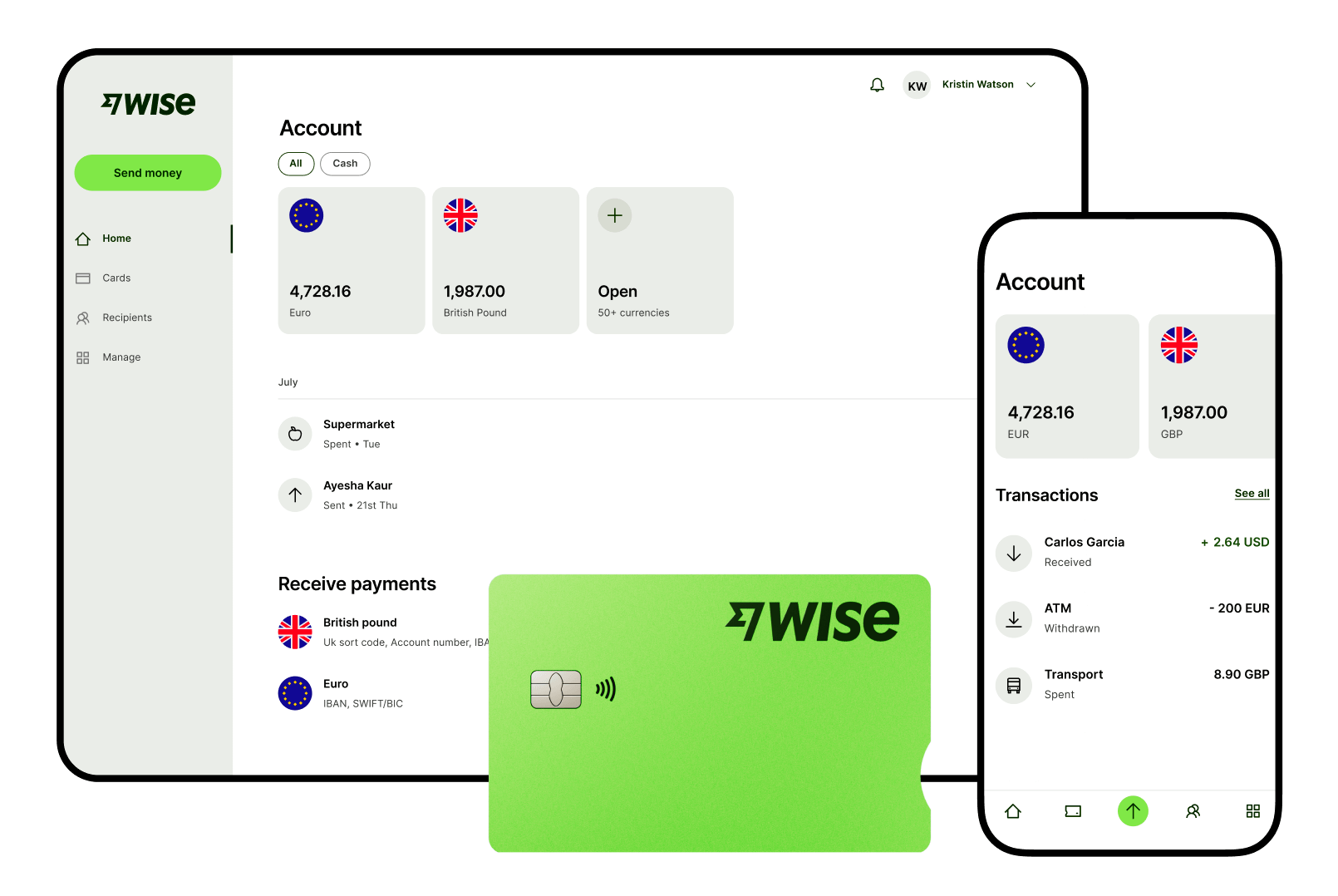
The Wise account is an easy way to hold and exchange 40+ currencies, including SGD, MYR, EUR, CNY, and more. All you need to do is create a free account to get started.
With Wise, you can exchange currencies at the mid-market rate each time, with low, transparent conversion fees from 0.26% and absolutely no markups.
Plus, you can order a Wise card for convenient spending without any foreign transaction fees and up to 2 free ATM withdrawals to the value of 350 SGD when you're overseas.
You'll even get 8+ local account details to get paid conveniently to your Wise account in SGD and a selection of other major global currencies. What's more, you can activate Wise Interest to earn returns* on your eligible balances while keeping your money available to spend.
Sending money or making payments abroad? Wise also offers fast, low cost transfers to 160+ countries - you can track your transfer in your account and your recipient will also be notified when a transfer reaches them.
*Growth is not guaranteed. Capital at risk.
💰 For cheaper and easier payments in 150+ countries
*Please see terms of use and product availability for your region or visit Wise fees and pricing for the most up to date pricing and fee information.
This publication is provided for general information purposes and does not constitute legal, tax or other professional advice from Wise Payments Limited or its subsidiaries and its affiliates, and it is not intended as a substitute for obtaining advice from a financial advisor or any other professional.
We make no representations, warranties or guarantees, whether expressed or implied, that the content in the publication is accurate, complete or up to date.

Do Singaporeans need a Korea visa or K-ETA? Check current exemptions, entry rules, application steps, fees, requirements, and the Korea e-Arrival Card.

Can you use Wise in South Korea? Learn how Singaporeans can use the Wise card for KRW payments, ATM withdrawals and supported QR payments when travelling.

Wondering when the best time to visit Korea from Australia is? Learn more about weather, seasons and what to do throughout the year in Korea.

Discover the best ways to travel from Seoul to Jeju Island. Explore options like flights and ferries, with tips on transportation and costs.

Here’s how you can get from Incheon Airport to Busan by plane, KTX or bus. Find out how and how much it costs.

Travelling to Korea from Singapore? We covered the travel requirements, restrictions and Singapore to Korea VTL flight info and more!



















































